
Every action. Every decision.
One audit trail.
See who did what and when across all six heio modules. Reporting brings your organisation’s audit trail into one clear overview, with an in-depth path to the records, actions and evidence behind each decision. Authorised admin team members oversee the full trail according to their role permissions.
See how REPORTING worksYour organisation. Fully in view.
Move from an organisation-wide overview to the detail behind an action: its record, source, SKU, configuration and revision, where relevant. Follow assessment, review and approval decisions with the responsible person, team, module and supporting evidence in context. Authorised admin team members can oversee work across all six modules, within their role permissions, and prepare a controlled disclosure for external audit by relevant authorities.
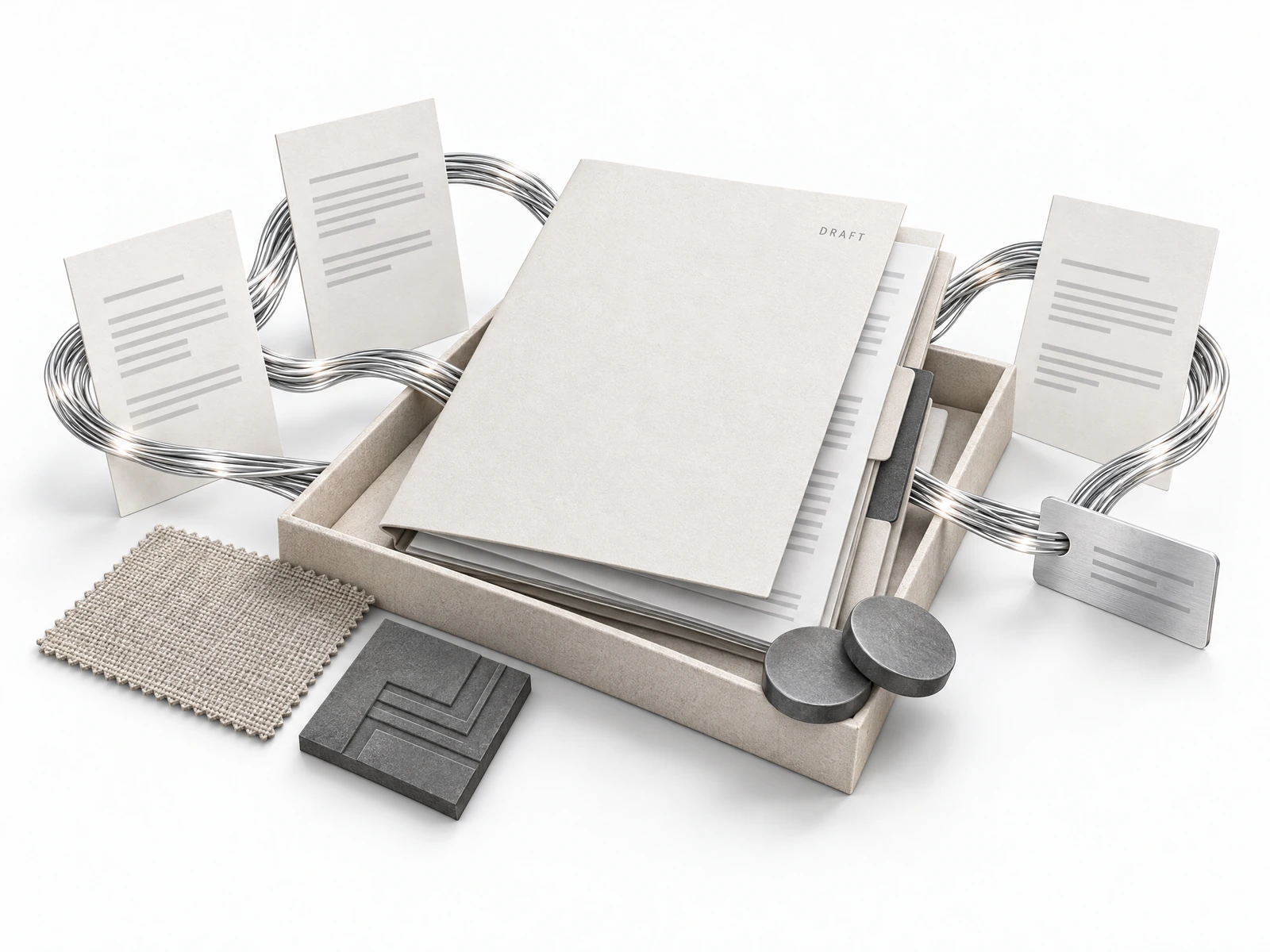
Accountability, in plain view
See who took an action, when it happened and which team and module it belongs to. Follow assessment, review and approval decisions without losing the people responsible behind a status label.
Detail behind every decision
Follow the trail to the relevant record, source and evidence. Keep SKU, configuration and revision context visible where applicable, so reviewers can examine the information behind a decision—not just its outcome.
A clear path through an audit
Bring relevant authorities an intuitive overview and the in-depth trail needed for external review. Your authorised team controls disclosure, keeping access focused on the records, actions and evidence relevant to the audit.
From organisation overview to audit evidence.
An intuitive overview for your admin team. An in-depth trail behind every recorded action.
Experience it in a 30-minute demo- 01
Start with the full picture
Authorised admin team members view the organisation-wide trail across all six modules, according to role permissions. Start with the overview, then focus on the teams, records and decisions relevant to the review.
- 02
Follow the action
Identify who did what and when. Follow the action to its record and source, with the relevant SKU, configuration, revision, team and module kept in context.
- 03
Examine the evidence
Review the supporting evidence and the assessment, review and approval decisions attached to the record. Keep underlying logs and evidence complete and maintained; resolve gaps with the responsible people.
- 04
Control the disclosure
Define the scope of an external audit with the relevant authority. Your authorised team controls which overview, records, actions and evidence are disclosed, subject to permissions and applicable requirements.
An audit question.
A connected trail.
A relevant authority requests the history behind a packaging record. Your admin team starts with the organisation-wide overview, then follows the source data, supplier evidence, assessments and review decisions across every module—without reconstructing the story from separate inboxes.
See who acted, when, on which record and revision, and what evidence supported the decision. Provide the relevant audit context through authorised access; unrelated records remain governed by your organisation’s permissions.
“Show how this packaging record was sourced, assessed and reviewed.”
- 09:10
- 09:22Supplier HUB
Supplier BOM and evidence submitted
Supplier contact
Material inputs · Linked source evidence
- 11:15PPWR
Assessment and DoC draft reviewed
Authorised compliance lead
Configuration BOX-01 · Review decision retained
- 12:10EPR
Market reporting inputs reviewed
Producer responsibility lead
Shared packaging and material records
- 12:35
- 13:10Reporting
Audit evidence trail reviewed
Authorised admin team member
Source, revisions and decisions across all modules
Illustrative events and times, not a live platform log. Actual trails depend on recorded activity, maintained evidence and configured access. An audit trail supports review; it does not guarantee authority acceptance or certify compliance.
Questions, answered.
Who can see the organisation-wide trail?
Authorised admin team members can oversee the full organisation-wide trail across all six heio modules, according to their role permissions. The overview connects activity to the teams, records and decisions behind it; it does not give every user unrestricted access.
How does Reporting support an external audit?
It brings an intuitive overview together with an in-depth trail to relevant records, actions, decisions and evidence. Your authorised team defines and controls disclosure for audit by relevant authorities. External review is scoped to the audit, not unrestricted access to your organisation.
Does the audit trail establish compliance?
No. A useful trail depends on complete, maintained underlying logs, records, evidence and links. Your team remains accountable for assessment, review and approval decisions. The overview does not replace professional judgement or determine whether an authority will accept the information.